

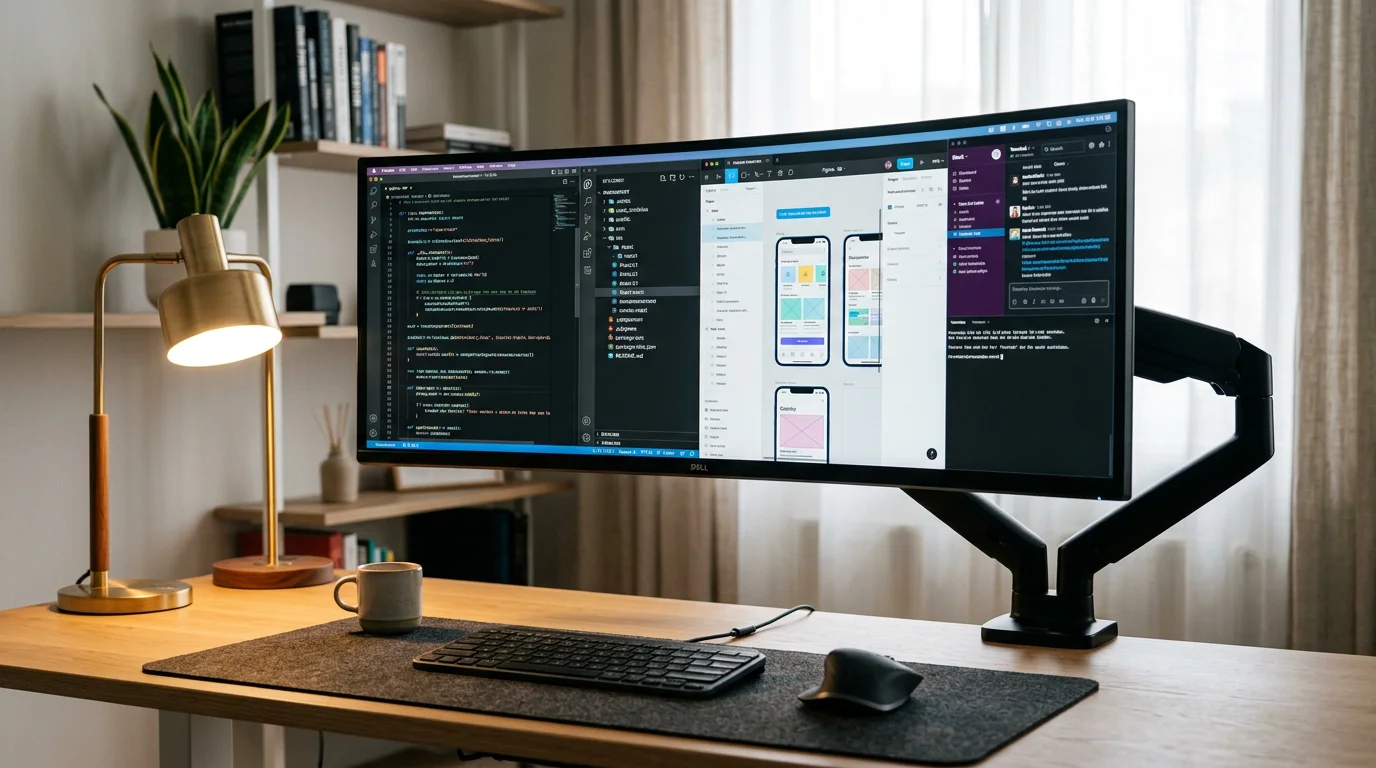

Photo source: Alinear Indonesia Docs.
For video editors, UI/UX designers, data analysts, and digital professionals seeking an expansive viewing canvas without sacrificing precious desk space, hardware efficiency is paramount. Discover the advantages of Compact Ultrawide Monitors, 29-to 34-inch curved displays featuring a 21:9 aspect ratio that allow users to run multiple applications side-by-side without cable clutter. This modern display hardware is precisely engineered to support high-intensity workflows with ergonomic viewing comfort.
This visual hardware has become a staple centerpiece across video editing bays, interface design studios, and home offices alike. Whether writing complex code, editing long video timelines, or managing sprawling spreadsheets, the curved panel minimizes excessive neck movement.
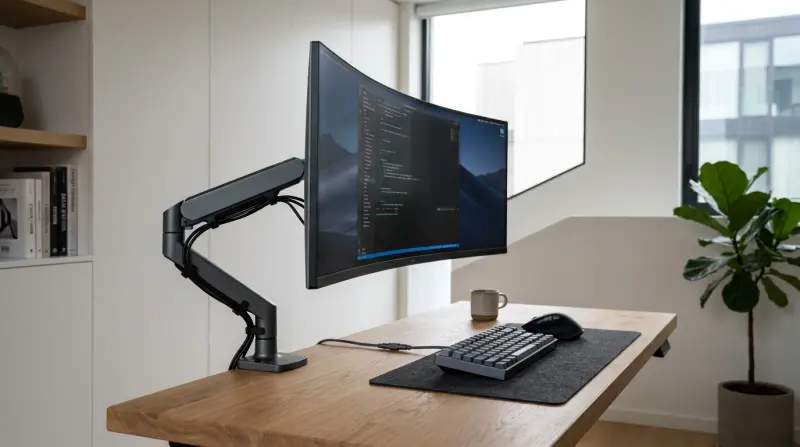
Photo source: Alinear Indonesia Docs.
Why does transitioning from a traditional dual-monitor setup to a single compact ultrawide screen yield such significant gains in comfort and efficiency?
–– Space & Energy Savings: Replacing two separate monitors with a single ultrawide display keeps the desk area organized, reduces energy consumption, and maintains deep focus.
–– Seamless Navigation Without Bezel Gaps: Eliminates center frame borders that disrupt visual flow when jumping between application windows.
This ergonomic tech choice offers the ideal balance between high-level functional performance and minimalist desk aesthetics.
"Compact ultrawide monitors prove that peak workflow efficiency is born from a single expansive canvas uninterrupted by bezel lines."
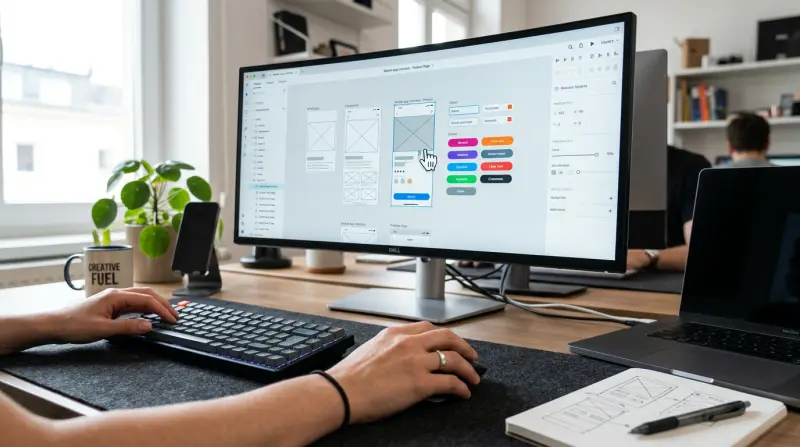
Photo source: Alinear Indonesia Docs.
How do you configure a Compact Ultrawide Monitor to achieve a clean, battle-ready desk setup?
•• Monitor Arm Mounting: Clamp a flexible monitor arm to the desk edge for smooth height, tilt, and swivel adjustments.
•• Single USB-C Cable Setup: Connect your computer via a single multifunctional USB-C cable that transmits display signals while delivering power.
•• Balanced Window Layouts: Arrange application windows side-by-side using screen-splitting features or window management software.
•• Concealed Cable Routing: Tuck remaining wires neatly inside the cable management channel along the monitor arm.
"Declutter your desk; one USB-C cable and one curved panel are all you need to command complex multi-app projects."
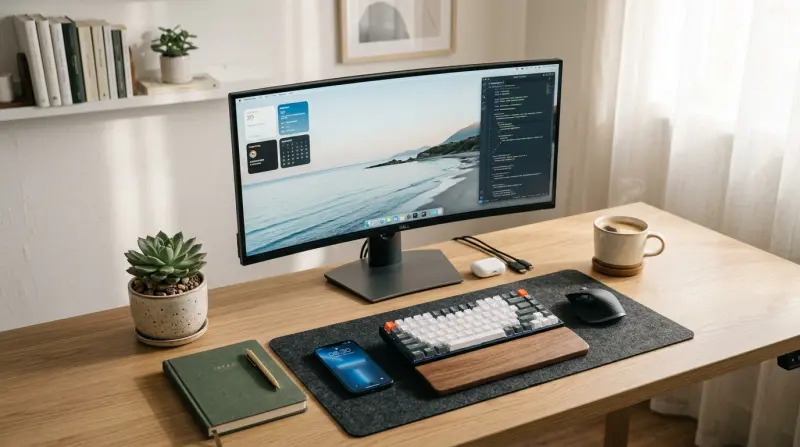
Photo source: Alinear Indonesia Docs.
"Elevate your daily focus and ergonomic comfort through an integrated, energy-efficient viewing space."
WRAP-UP!
Adopting a Compact Ultrawide Monitor transforms ergonomic tech and display hardware, eliminating cable clutter, lowering energy consumption, and boosting multi-tasking productivity. Explore ergonomic display reviews, desk setup cable management guides, and productivity hardware insights with Alinear Indonesia.
Ready to Elevate Your Business and Brand to the Forefront of the Digital Era?
Discover how Alinear Indonesia’s integrated Smart Publication & Smart Activation solutions combine media PR with AI-driven intelligence and the power of storytelling to multiply your business visibility and credibility (Brand Authority). Consult your vision and growth strategy with us today. [Click Here to Begin!]



![Alinear Indonesia [Brand/Business Registration] Smart Publication & Smart Activation](https://www.alinear.sr-digital.biz/assets_web/images/qr-codes/3e23e7dab43d2e72854ba48a3a09cf75.jpg)