

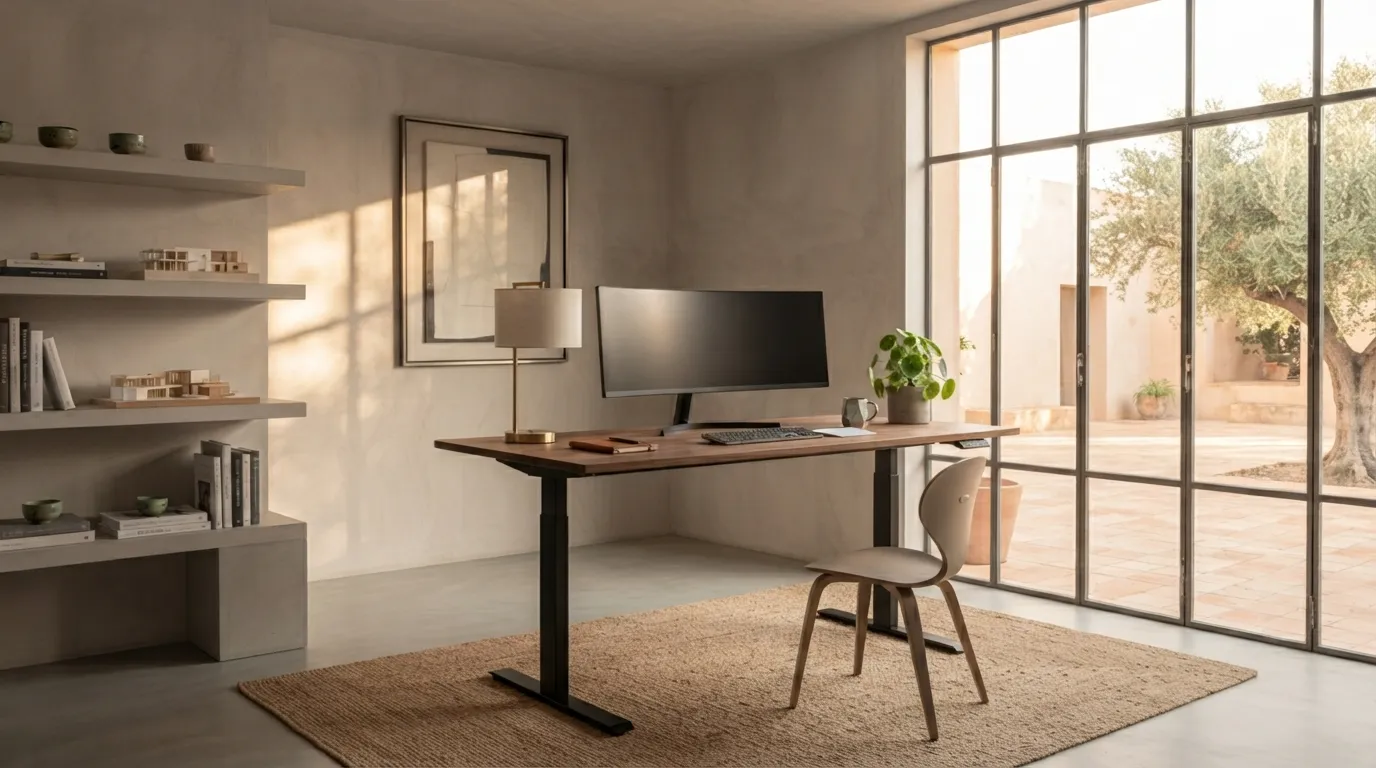

Photo source by Alinear Indonesia Docs (Gemini AI - Generated Image)
For professionals who spend hours in front of screens, a desk is not merely a piece of furniture; it is the primary stage of daily productivity. However, prolonged uninterrupted sitting is clinically proven to compress blood circulation and trigger lower back pain. The presence of an Ergonomic Adjustable Standing Desk in private studios and modern offices offers a dynamic posture-shifting solution. The key lies in how you design and calibrate that workstation to keep your body robust and your focus sharp.
Calibrating a 90-Degree Elbow Angle on the Desk Surface
The most common mistake when using a standing desk is neglecting arm posture, which quickly strains shoulder muscles:
"True productivity begins with correct posture; a great desk is designed to serve your body, not the other way around."

Photo source by Alinear Indonesia Docs (Gemini AI - Generated Image)
Aligning Eye Level with the Monitor Screen
Constantly looking down or tilting your head upward gradually ruins upper spinal posture. Position the top of your monitor level with or slightly below your eye line. When gazing at the screen, your vision should fall naturally without requiring you to bend your neck downward.
Gunakan penyangga monitor (monitor arm) atau riser untuk memastikan ketinggian layar dapat disesuaikan secara presisi, baik saat posisi duduk maupun berdiri.
"Transitioning from sitting to standing won't save your health if the fundamental rules of ergonomics are ignored."
Absorbing Body Pressure with an Anti-Fatigue Mat
Standing too long on hard floors without protective cushioning can create new joint issues in the lower body. Equip your standing area with an anti-fatigue mat specifically engineered to absorb impact on your knees, ankles, and heels.
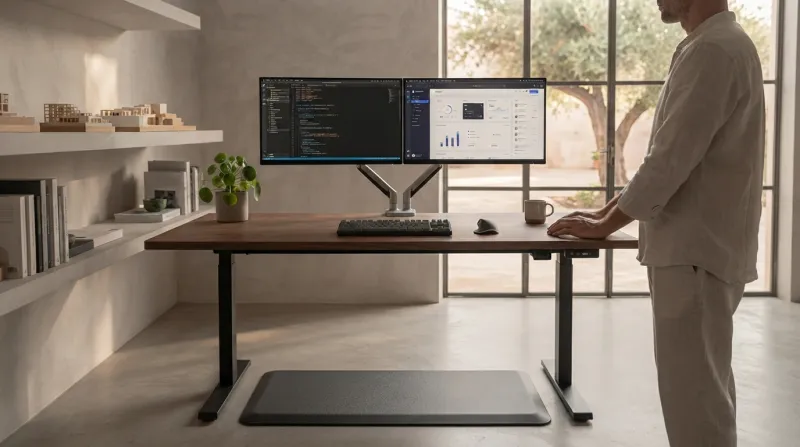
Photo source by Alinear Indonesia Docs (Gemini AI - Generated Image)
•• Micro-Circulation: A supportive yet cushioned mat encourages subconscious leg muscle micro-movements, keeping blood flowing smoothly while you stand actively.
A Long-Term Investment in Professional Vitality
Designing a workstation centered around an ergonomic standing desk is not merely an aesthetic interior trend, but a strategic investment in physical health and mental acuity. By applying these three core elements consistently, you can minimize physical fatigue and maintain peak work performance every single day.
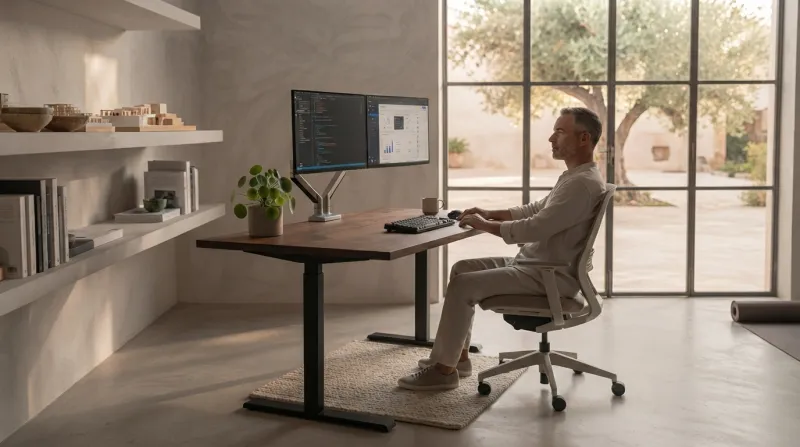
Photo source by Alinear Indonesia Docs (Gemini AI - Generated Image)
"A 90-degree elbow angle, eye-level screens, and proper footing are the secret trifecta for maintaining work vitality all day long."
WRAP-UP!
Effective use of an ergonomic standing desk requires three main calibrations: a 90-degree elbow angle while typing, monitor screens aligned with eye level, and an anti-fatigue mat to protect lower body joints. Audit your desk height and monitor placement today, and begin implementing regular sit-stand cycles to protect your spinal health.
––
Discover how SR Digital - Alinear Indonesia’s Smart Publication & Smart Activation combines AI-driven intelligence with high-impact human storytelling to amplify your business visibility. Share your vision and consult with us today.
Ready to elevate your brand in the era of AI? Click here!



![Alinear Indonesia [Brand/Business Registration] Smart Publication & Smart Activation](https://www.alinear.sr-digital.biz/assets_web/images/qr-codes/3e23e7dab43d2e72854ba48a3a09cf75.jpg)